
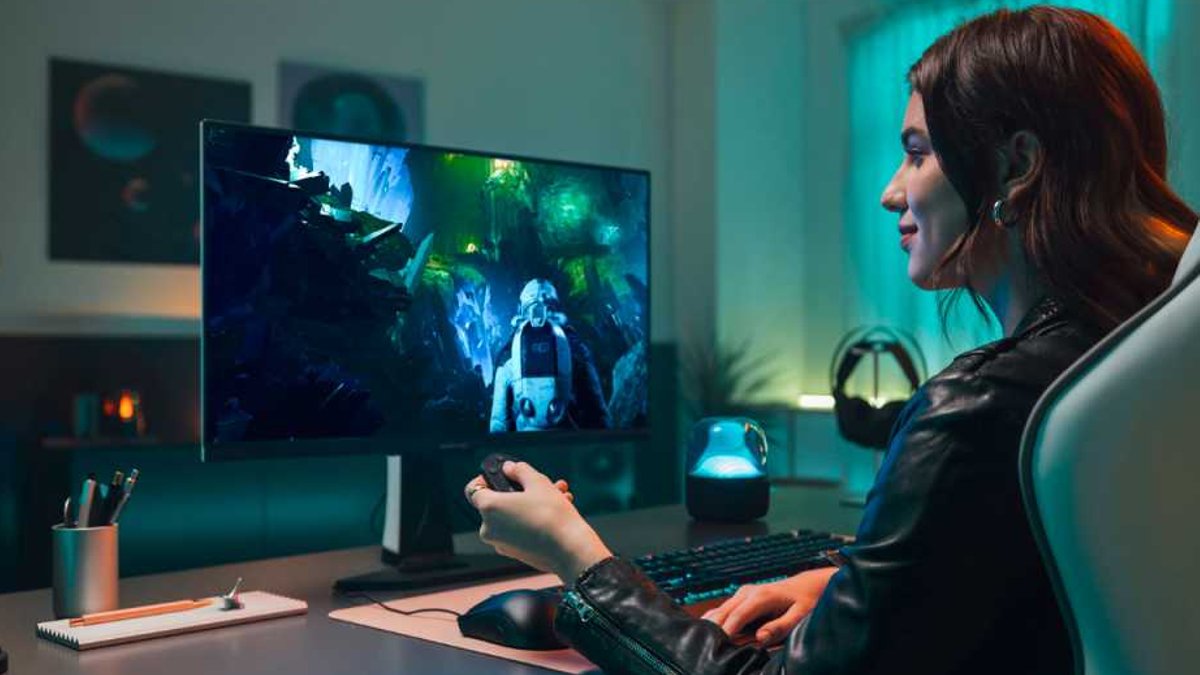
In the world of PC gaming, a common myth exists, suggesting that maximum graphics settings are required to achieve high FPS rates. However, this is not entirely true, as a few key settings can greatly enhance the visual experience without straining modern graphics cards.
One standout setting is anisotropic filtering, which ensures textures on surfaces at an angle to the camera remain clear. Without it, these surfaces appear muddy and blurred, disrupting immersion.
Technical Benefits
Modern GPUs have specialized hardware units for texture sampling, making anisotropic filtering efficient. The required texture data is already stored in fast graphics memory, so additional sampling takes almost no processing time.
Setting anisotropic filtering to ‘8x’ or ’16x’ often makes a difference of less than one frame per second on current graphics cards, while visual clarity increases dramatically.
Implementation
To enable anisotropic filtering, users can force the setting in their driver. For Nvidia graphics cards, this can be done through the ‘Nvidia Control Panel,’ while AMD users can use the Adrenalin Edition software.
Another important setting is overall texture quality. As long as the graphics card’s video memory can accommodate high-resolution texture packs, the ‘Ultra’ setting will not affect performance.
Read Also: Windows 11 progress is mixed so far
SSAO, or screen-space ambient occlusion, is another technique that adds depth to scenes and calculates subtle shadows. It typically costs modern chips only about 1 to 2 percent of their processing power.
Additionally, sharpening filters can be used to compensate for the blurring caused by TAA, or Temporal Anti-Aliasing. On Nvidia cards, this can be found under ‘Image Scaling,’ while on AMD cards, it’s called ‘Radeon Image Sharpening.’
A setting of around 30 percent is often sufficient to achieve a crystal-clear image without significant loss of performance. By adjusting these settings, gamers can enjoy great visuals without needing maximum graphics settings.
They can enjoy enhanced visuals by making a few simple adjustments to their graphics settings. The key is to find the right balance between visual quality and performance. It is possible to achieve high-quality visuals without maxing out the graphics settings.
For example, they can start by enabling anisotropic filtering and adjusting the texture quality to ‘Ultra’. They can also enable SSAO and adjust the sharpening filter to around 30 percent. By making these adjustments, they can enjoy a more immersive gaming experience without sacrificing performance.


