
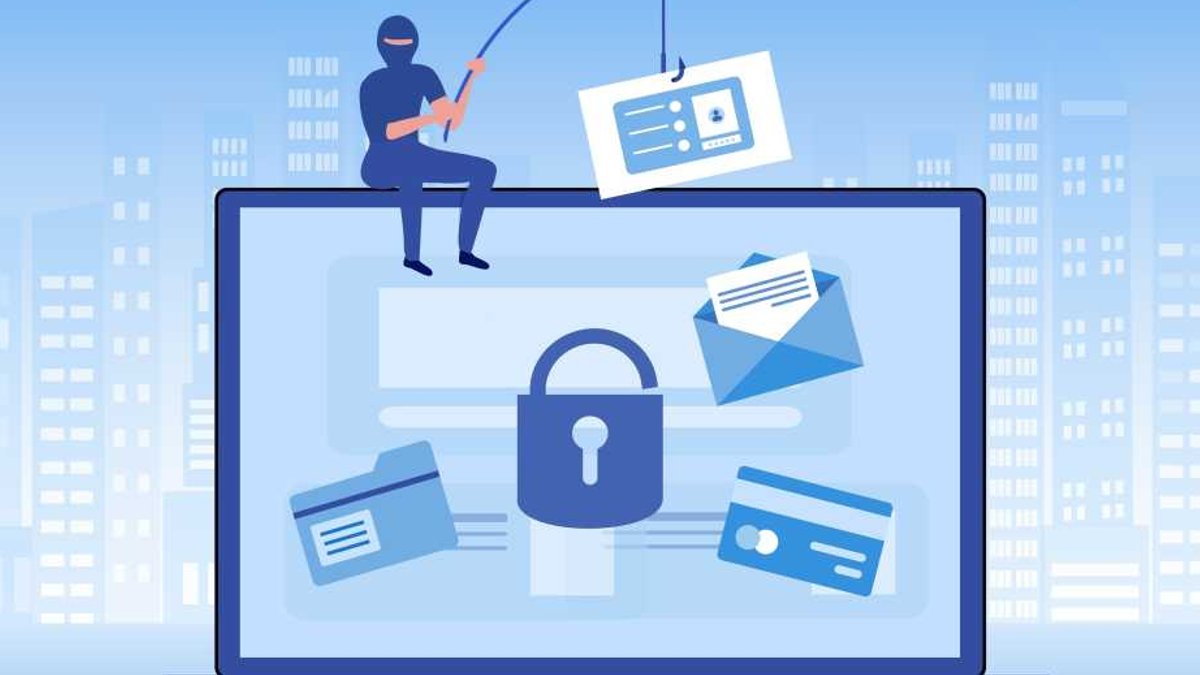
Phishing attacks remain a persistent threat in 2026, exploiting human error rather than technical vulnerabilities. Despite advanced antivirus tools, individuals often fall victim by hastily clicking links or sharing sensitive data. Scammers rely on the lack of due diligence, knowing that even a moment of carelessness can compromise personal security.
Scammers aim to extract value—cash, cryptocurrency, gift cards, or personal information. While legitimate requests from contacts are rare via email or messaging apps, unexpected demands should raise suspicion. Verifying such requests through alternate channels is key, as scammers often impersonate trusted sources to exploit trust. For instance, a sudden request for money or sensitive details from a friend or family member should prompt a direct call or message via a different platform to confirm its authenticity.
Urgency and Verification: Key to Avoiding Phishing Traps
Urgency is a hallmark of phishing attempts. Scammers pressure victims to act swiftly, bypassing rational scrutiny. Any email demanding immediate action warrants skepticism. Independently verifying such requests via secure methods is essential, as legitimate organizations rarely require instant responses. For example, if an email claims your account is compromised and demands immediate action, take a moment to log in directly through the official website instead of clicking any provided links.
Another tactic involves fake security alerts, mimicking legitimate warnings about account activity. Instead of clicking embedded links, users should manually access accounts through trusted browsers to check for issues. This ensures that any potential threats are addressed through secure, verified channels rather than falling into a scammer’s trap.
While spelling and grammar errors are less common due to tools like Grammarly, they still appear in some scams. Odd phrasing or uncharacteristic timing, like an email from a boss after hours, should trigger caution. For instance, if you receive an email from your boss at 6:45 at night but know they always clock off at 5:30, trust your instincts and delete it. It’s better to err on the side of caution than risk falling for a scam.
Unexpected or oddly named attachments are another red flag. When in doubt, requesting files through secure cloud services can prevent accidental downloads of harmful content. Email attachments remain a popular vector for malware, and caution is always advisable.
Read Also: Great gaming visuals without max settings
Spotting Red Flags: From Attachments to AI Voice Spoofing
Scammers frequently use generic email addresses or random strings, even when impersonating known entities. Emails lacking personalization or containing incorrect details often signal mass phishing attempts. For example, an email claiming to be from a major company but sent from a generic Gmail or Hotmail address is almost certainly a scam. Always verify the sender’s address before taking any action.
Beyond email, AI voice spoofing has emerged as a sophisticated threat. Scammers mimic loved ones’ voices to create urgent, panic-inducing scenarios. The best way to check if it’s real or not, is with a pre-determined password or phrase. Maybe you have a favorite T
One practical approach to avoid falling victim to phishing is to avoid clicking links or buttons in emails. Instead, manually handle to the website or service through a trusted browser. This extra step can prevent exposure to malicious links or fake login pages, ensuring that you’re interacting with the legitimate site.
Secure Practices: Handling Attachments and Emails Safely
When dealing with unexpected attachments, it’s safer to request files through secure cloud services rather than downloading them directly. This minimizes the risk of inadvertently installing malware. Cloud services often include built-in security features that can detect and block harmful files before they reach your device.
Always verify the sender’s email address, especially if the message claims to be from a well-known organization.
By staying informed and adopting cautious habits, individuals can significantly reduce their risk of falling victim to phishing scams in 2026. Vigilance, skepticism, and proactive verification are key to protecting yourself in an increasingly digital world.


