
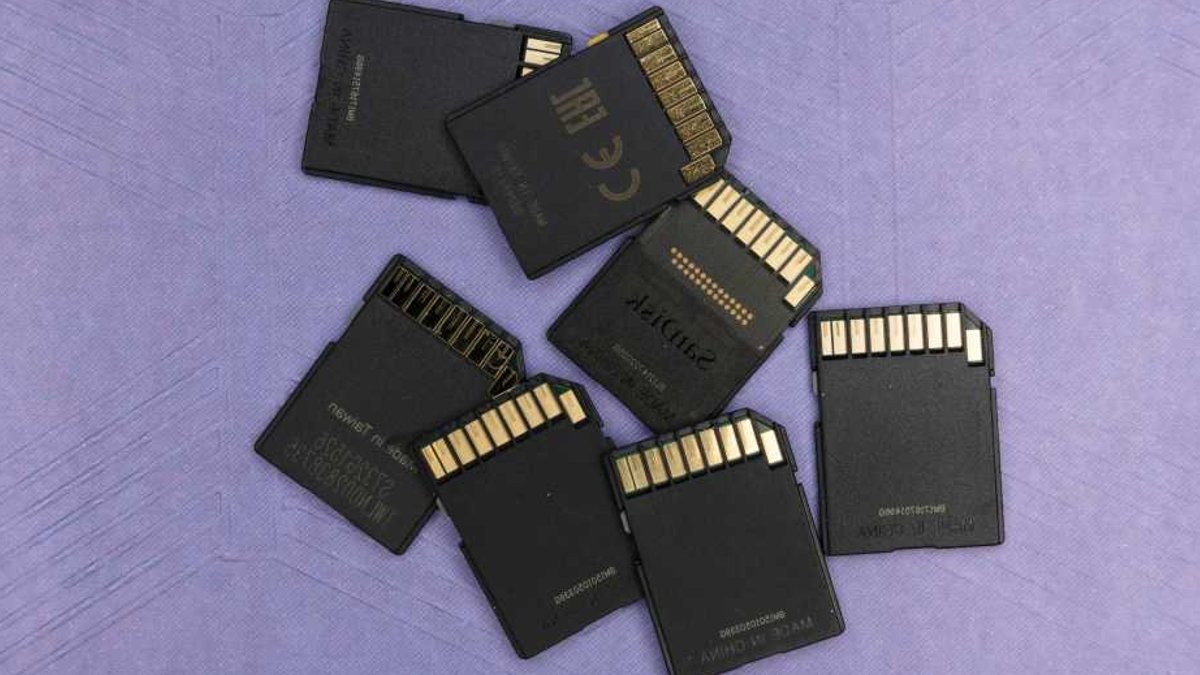
The cost of SD cards has soared, with prices doubling or tripling due to demand from AI data centers and consumer storage needs. This surge hits hard for those relying on SD and microSD cards for devices like DSLRs, dashcams, and security cameras. That really sucks if you haven’t stocked up on local storage options, and it really sucks if you’re relying on these cards for critical devices. 2026 is not the best year for dying memory cards, especially since they’ve become notoriously expensive to replace.
With replacement costs climbing, extending the life of existing cards is more important than ever. Understanding common causes of failure can help prevent premature wear and tear. Protect your SD and microSD cards—2026 was not a good year for electronics, and memory cards have gotten expensive.
Flash Memory Wear: The Silent Killer
Most SD cards use NAND flash memory, known for speed and compactness but prone to physical wear with each write/erase cycle. Continuous recording in dashcams and security cameras accelerates this, while photographers deleting burst shots contribute to unnecessary strain. NAND cells physically wear out over time, and too many write/erase cycles can cause cells to fail, leading to errors. Even real-world use cases involving constant data rewriting will inevitably cause an SD card to wear out.
QLC cards, though cheaper than TLC or MLC, wear out faster due to lower endurance. SD cards have built-in wear-leveling algorithms that distribute writes evenly across cells, but they need room to work effectively. Avoid filling up a card to over 90 percent capacity, and try to reformat the card regularly to give wear-leveling a clean slate to work with.
Physical Damage: More Fragile Than You Think
While SD cards aren’t fragile, they’re vulnerable to extreme temperatures, humidity, and static electricity. Prolonged exposure to heat, like in a car during summer, can degrade cards. Moisture can corrode contacts, and static discharge can destroy them instantly. A card in a dashcam, for instance, endures 135°F temperatures for extended periods, gradually deteriorating under stress.
Protect cards by storing them in cases, avoiding extreme conditions, and drying them quickly if exposed to moisture. Be cautious when moving between temperature extremes to prevent condensation. Proper storage and handling can significantly extend their lifespan, delaying costly replacements.
Read Also: Digital Archivist Offers Tips to Save Photos Long-Term
Manufacturing Defects: A Hidden Risk
Even SD cards from reputable brands can fail unexpectedly due to manufacturing defects. The controller, solder joints, and flash cells are common failure points. These defects can cause a card to become inoperable, even with minimal use. While it’s impossible to completely avoid manufacturing defects, purchasing from trusted brands like SanDisk, Samsung, and Lexar can reduce the risk.
Utilizing free tools such as H2testw can help verify the card’s integrity by checking for errors across all sectors. H2testw writes data to the entire card and reads it back to ensure all sectors are functioning properly, providing an early warning of potential issues.
Improper Ejection and Power Loss: Silent Data Killers
Improper ejection of an SD card during data operations or unexpected power loss can corrupt the file system. This mismatch between the physical data and the file system’s index can render the card inaccessible or cause data loss. The file system acts like an index, and if it’s not updated correctly, it can lead to data corruption.
To prevent this, always wait for all operations to complete before ejecting the card. Use “safe eject” functions when available, and ensure that card reader accessories are in good condition. Additionally, avoid letting device batteries die while writing to the card, as this can interrupt the process and corrupt data.
File System Corruption: A Common Pitfall
File system corruption can occur due to improper formatting, incompatible devices, or residual data from previous use. Different devices may expect specific file systems, leading to metadata conflicts that corrupt the card’s index. A card can be formatted in FAT16, FAT32, exFAT, and others, but using the wrong format can cause issues.
To minimize this risk, format the SD card using the primary device it will be paired with. If using the card across multiple devices, choose a universally supported file system. Regular health checks can also help identify and address file system degradation before it leads to data loss. Proper formatting and maintenance are key to avoiding corruption.


